Projects & case studies

Useful ideas,
put into practice.

Application development, team leadership and the systems that help good work carry forward.

Browse the project gallery

Selected work

The decisions behind the work.

How I approach development, lead delivery and turn ideas into useful experiences.

01

Development leadership / Shared systems

From starting again
to building on shared work.

The problem

Every application started from an empty Unity project. Teams recreated player rigs, movement and interactions, with no consistent approach across projects. Time went into solving the same basics, and useful work rarely carried forward.

How I fixed it

I built, tested and documented a bespoke Unity VR template: a single, standardised starting point with our plugins and tools connected, tested and kept up to date. Reusable interactions, assessment systems and course-building wizards followed, supported by common planning, testing and release practices.

The result

Projects were quicker to start and more consistent. Non-developers could prepare courses, developers could focus on technical challenges, and project teams could deliver more independently.

More about the rollout

Making it work for people

I explained why we were choosing a common system, including its limitations. Familiar constraints helped the team become more proficient and gave the business clearer choices: use an established capability, or allow time to build something new. Written guides, videos and demonstrations supported different ways of learning.

Keeping the foundation useful

New capabilities were added back into the template so the team could use them on future projects. Shared setup, testing, deployment, bug reporting and progress tracking helped prevent projects from drifting apart.

A practical example

For one anonymous utilities client, a familiar interaction model let planners and developers recommend a solution confidently within the available budget. It became one of our cleanest and quickest projects, substantially reducing development time compared with similar early work.
02

Product development / Applied XR

A short expo demo.
A commercial opportunity.

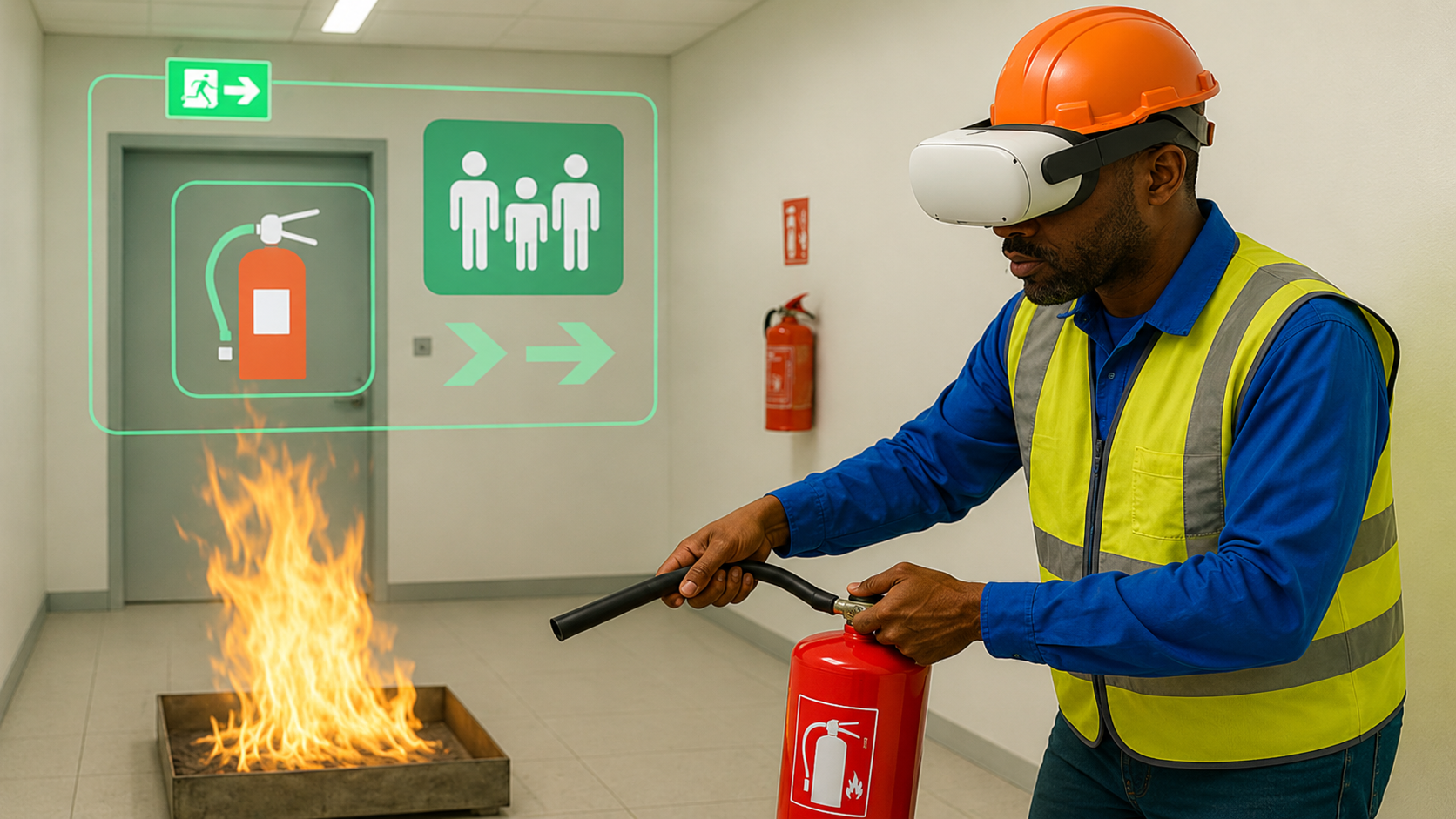
A mixed reality fire-response experience that grew from an approachable exhibition demo into a commercially released product.

Concept to releaseMixed realityHardware integration
Read the case study

Why mixed reality?

The original brief was a short expo demonstration. Visitors could see the real space around them, and experience the demo in one or two minutes. A tracked physical extinguisher, virtual fire and smoke-scent feedback made the interaction immediately tangible.

My contribution

I conceived, designed and developed the experience. It combined passthrough mixed reality, physical interaction, Depth API occlusion and a Scentient device for smoke-scent feedback.

From demonstration to product

Visitor feedback suggested a market beyond the expo. We added more selectable objects so users could customise the experience and simplified setup before commercial release.

The practical value

The experience supports discovering a fire, finding an extinguisher, carrying it and responding without exposure to an actual fire. It does not reproduce heat or every condition of a real incident. The experience is commercially released.

Fire Fighting MR Demo · Watch on YouTube ↗
03

Client delivery / Risk awareness

Making warehouse risk
personal and recognisable.

A story-led VR experience for a major drinks brand, built around its own distribution centre and everyday pedestrian risks.

Six-month projectCustomer collaborationExperience design
Read the case study

The customer’s challenge

The customer wanted people to recognise risks around forklift traffic: leaving pedestrian routes, entering blind spots without checking and becoming distracted by a phone. They reported that previous videos, talks and presentations had not achieved the response they wanted.

My contribution

I led the project over six months, working closely with the customer on the initial concept, development and experience strategy. The environment recreated their warehouse, making the setting and situations recognisable.

A familiar story, with consequences

Participants began in their own changing room. A preparation routine introduced the controls, and a mirror helped establish a sense of embodiment. Warehouse sections offered a safe route; failures triggered feedback and a repeat of that section. A deliberately unpleasant collision made the consequence of a mistake immediate.

What we know

The customer reported that one participant removed the headset after a single virtual collision and said the next day that they saw the risk in a new light. This is anecdotal participant feedback relayed by the customer, rather than a measured claim of improved safety or behaviour change.

02 / Across the portfolio

A broad body of work.
A practical thread.

I’ve developed applications, managed delivery and built shared tools across safety training, simulation, multiplayer and first-time VR experiences.

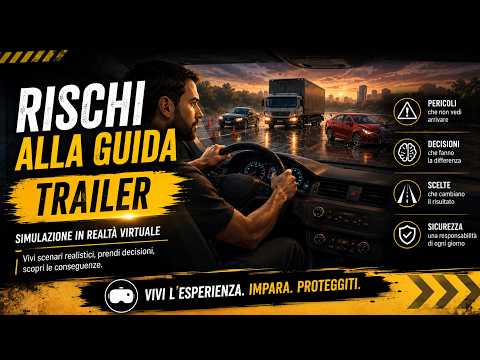
Driving Risk Awareness trailer thumbnail

Driving Risk Awareness

Developed & owned
Catalogue illustration for warehouse risk awareness

Warehouse Risk Awareness

Developed & owned
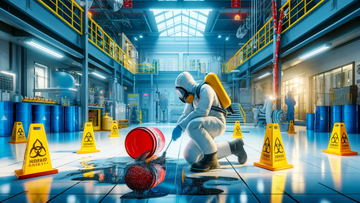
Catalogue illustration for chemical spill response

Chemical Spill Response

Developed & owned
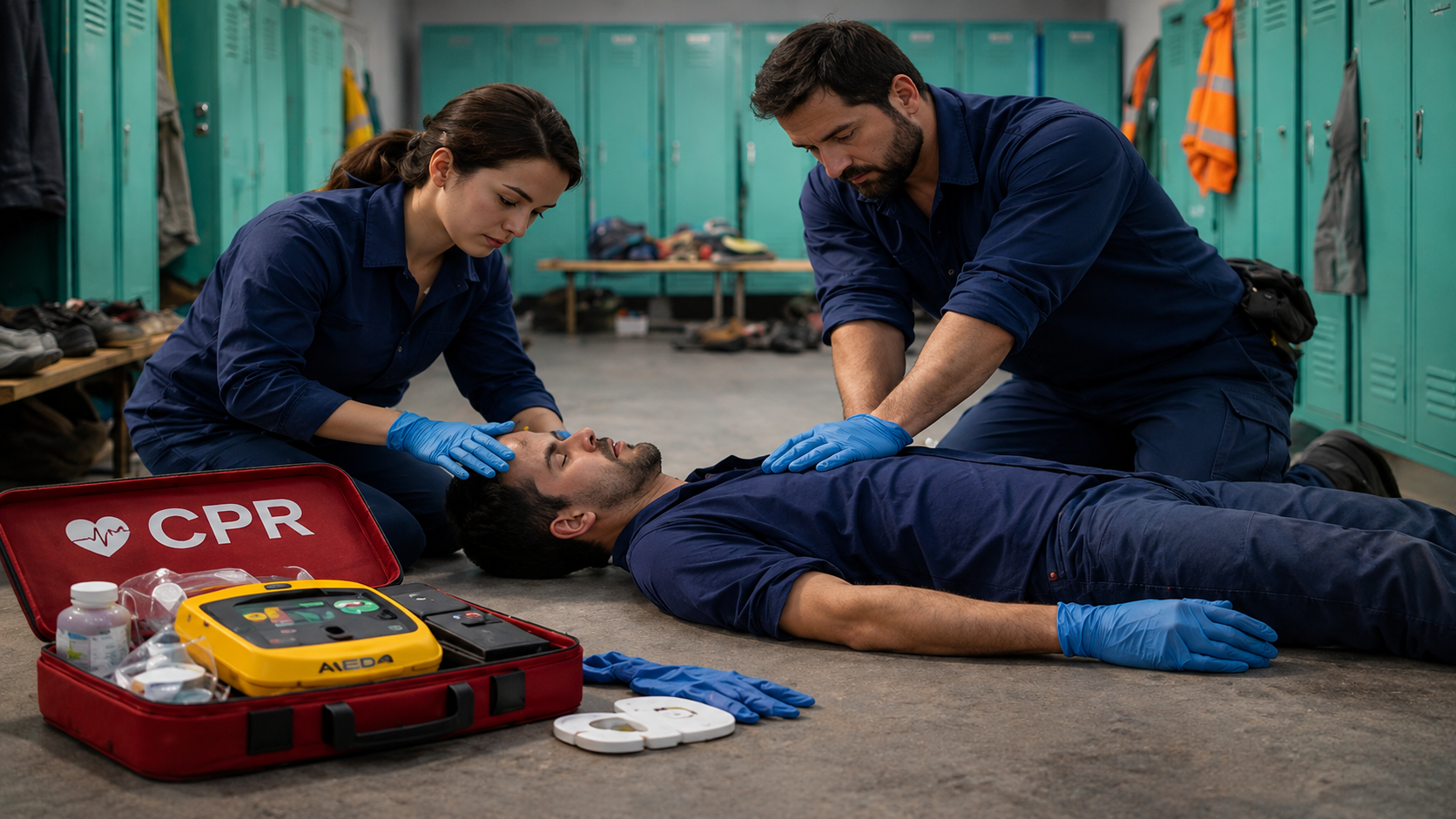
Catalogue illustration for basic life support and defibrillation

Life Support & Defibrillation

Managed external development

Catalogue imagery: Virtual Safety Lab

Other experiences I’ve developed

  • Workplace Safety Signs
  • Manual Handling
  • Safety Training for Supervisors
  • Forklift Assessment
  • The Safe Escape
  • First-time VR tutorial
  • Five-minute expo showcase
  • Working-at-height behavioural assessment
  • Agricultural risk awareness

Shared tools. Stronger teams.

Build once.
Help the whole team deliver.

I build shared tools and working practices that make projects quicker to start, easier to maintain and more consistent.

Consistent interactions

A familiar foundation for every experience, so the team can focus on what makes each project useful.

Course-building tools

Guided setup lets non-developers prepare courses, while developers concentrate on the harder technical work.

Connected systems

Shared assessment, reporting and integrations carry useful work forward into the next application.

More independence. Less repeated work.
I support the team with clear ownership, practical guidance and a common way to plan, test and release.

Read the delivery case study
Technical details

Interaction: Meta SDK player rig, movement, teleportation, grabbing, buttons and driving.

Authoring and assessment: reusable quizzes, review and reporting sections, linear and non-linear assessments, and course-building wizards.

Simulation and integration: crash, fall and injury sequences, Scentient devices, licensing services and LMS APIs.

03 / How I work

Start with the purpose.
Work backwards.

I’m interested in technology when it adds something useful. Before choosing XR, I ask why the experience belongs there and what it offers beyond another platform.

01

Make the right thing.

Start with the customer need and the finished experience. Investigate feasibility, options and the business case before committing to an approach.

02

Watch people use it.

Test in the headset, involve the team and observe other people. If an interaction is unclear, improve it until it feels natural or needs only a little guidance.

03

Help the team own it.

Explain the reasons, share knowledge in different formats and make useful discoveries repeatable through common tools and clear working practices.

A decision in practice / Driving Risk

The goal was risk awareness, rather than teaching someone to drive. I simplified the main interaction to acceleration and braking, kept steering optional and included an outside-the-vehicle spectator perspective for people who may find the in-vehicle view uncomfortable.

Get in touch

Have a useful problem to solve?

Whether you’re hiring for a full-time role or need help with a project, let’s talk about what you want to achieve.

Connect on LinkedIn ↗

Your details and message are sent via FormSubmit to my email so I can reply.